Overview
When both parents work, school pickup turns into a daily scramble of favors and group texts. KidKarpool lets a parent book a trusted local ride for their child in a few taps, or offer the empty seats in their own car.
I took KidKarpool from problem framing through personas, flows, sketches, wireframes, and a usability study to a high-fidelity prototype.
2Parent personas
3Usability participants
14High-fidelity screens
The problem
Parents need another way to get their kids to and from school when they can’t do drop-off or pickup themselves. Today that means leaning on friends and neighbors, and those plans fall through.
How might we connect parents who need a ride for their child with local parents who are willing to drive, so everyone has peace of mind?
Who I designed for
Two working parents shaped every decision. Both live far from school, and neither can rely on the favors they use now.

Jill Baker
36 · Nurse · 1 daughter
“My shifts run late. I need to know someone reliable has her when school lets out.”
Pain points
- Doesn't live near the school
- Nursing hours clash with pickup time
- The people she relies on tend to fall through
Goal
Find a carpool to bring her daughter home from school on the days she's at work late.

Megan Phillips
39 · Accountant · 2 boys
“We both commute the opposite way. Mornings and soccer days are the hard part.”
Pain points
- Doesn't live near the school
- She and her husband work in the opposite direction
- The boys need rides to soccer practice some days
Goal
Feel at ease knowing the boys get to school each morning and to soccer practice when needed.
User stories
As a parent with unpredictable work hours, I want to book a trusted ride home from school for my child, so that pickup doesn't depend on favors that fall through.
As a parent who commutes the opposite way, I want to set up a ride that repeats every week, so that I'm not rebooking the same trip every Monday.
As a parent handing off my kids, I want to see who's driving, their schedule, price, and reviews, so that I feel confident before I book.
As a parent with room in my car, I want to share my schedule and receive ride requests, so that I can help other families on routes I already drive.
Mapping the journey
The app has two paths from one starting point: book a ride for your child, or give rides to others. I kept both paths short and linear, so a parent always knows which step is next.
HomepageLog inLearn more about KidKarPool
Book a rideStudent detailsSchedule calendarConfirmBooked
Give a rideProvider detailsOpen scheduleWait for requests
From storyboard to screens
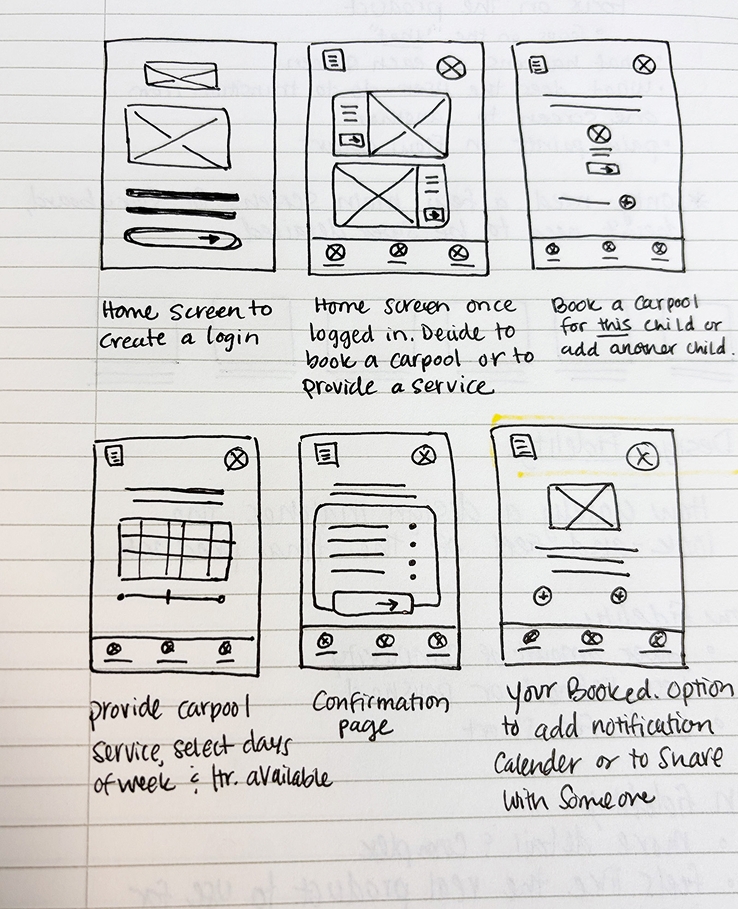
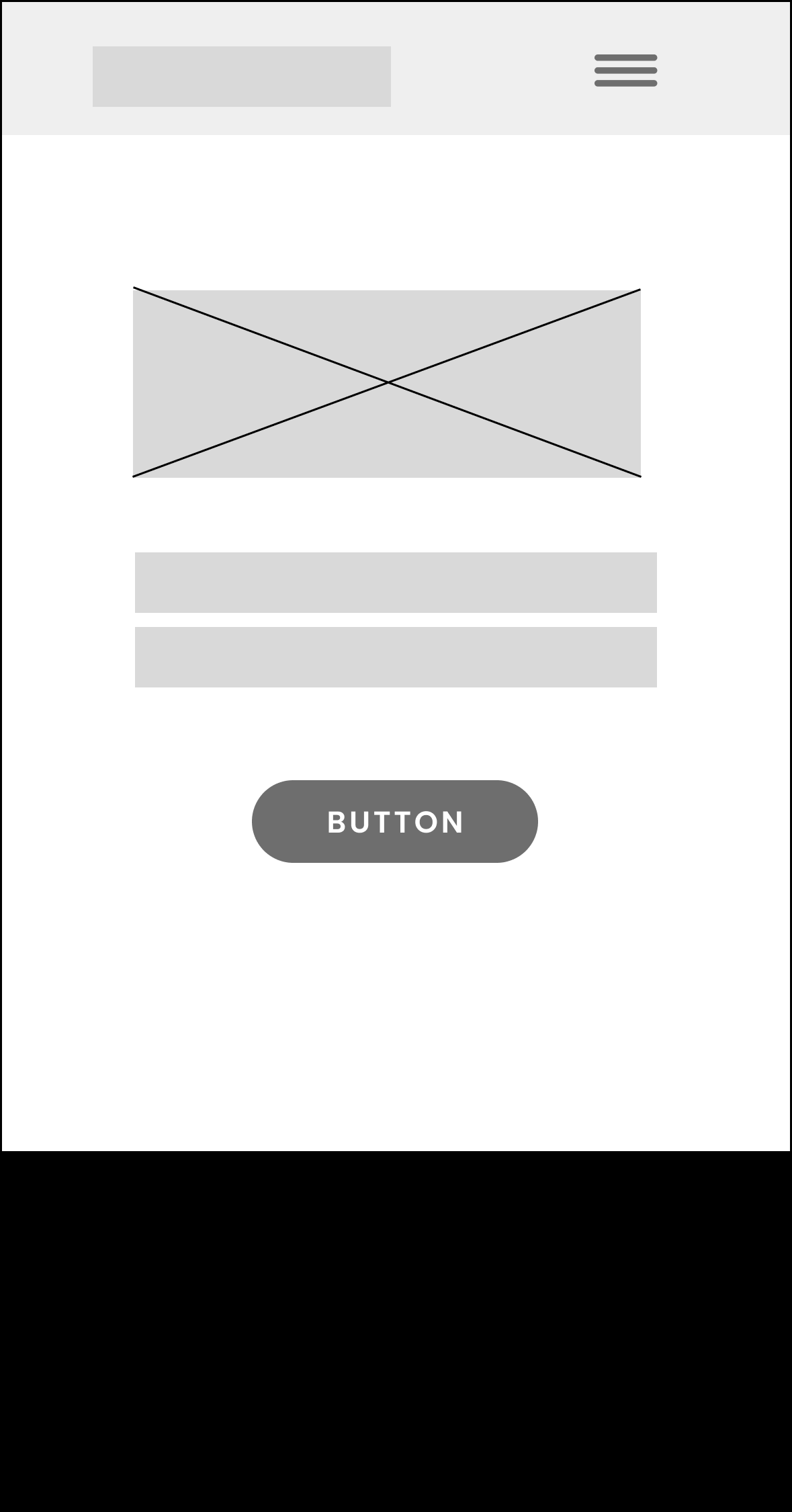
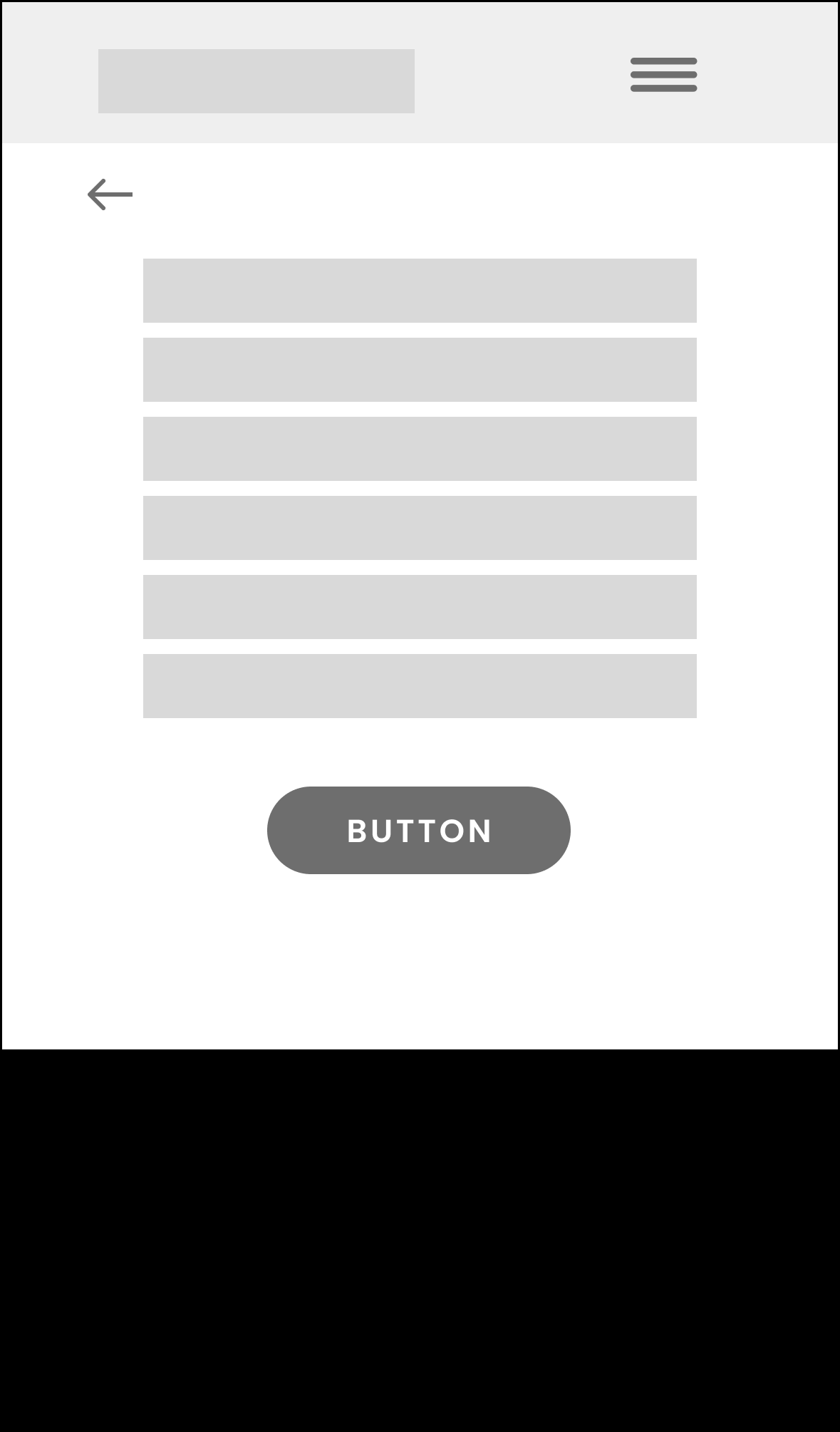
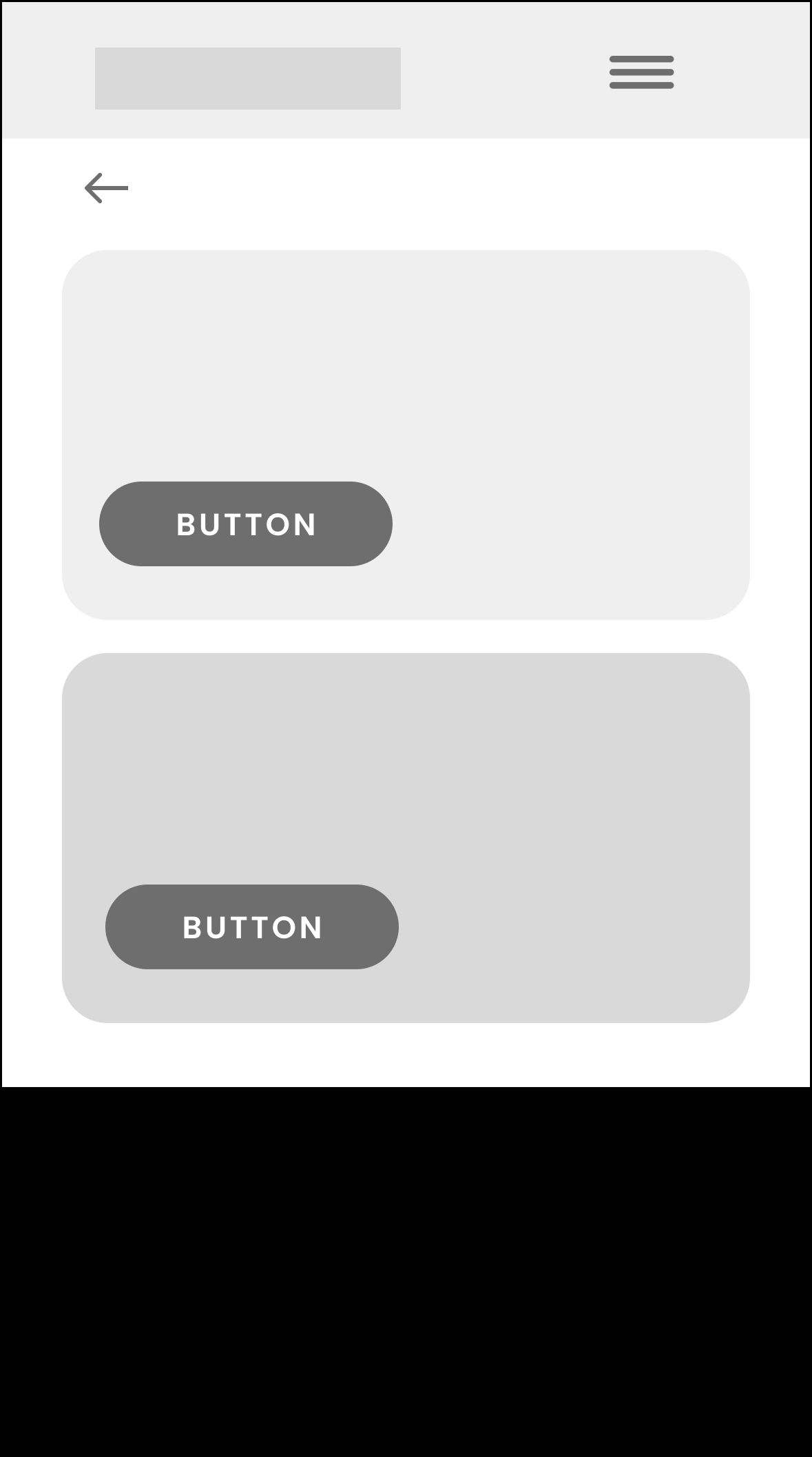
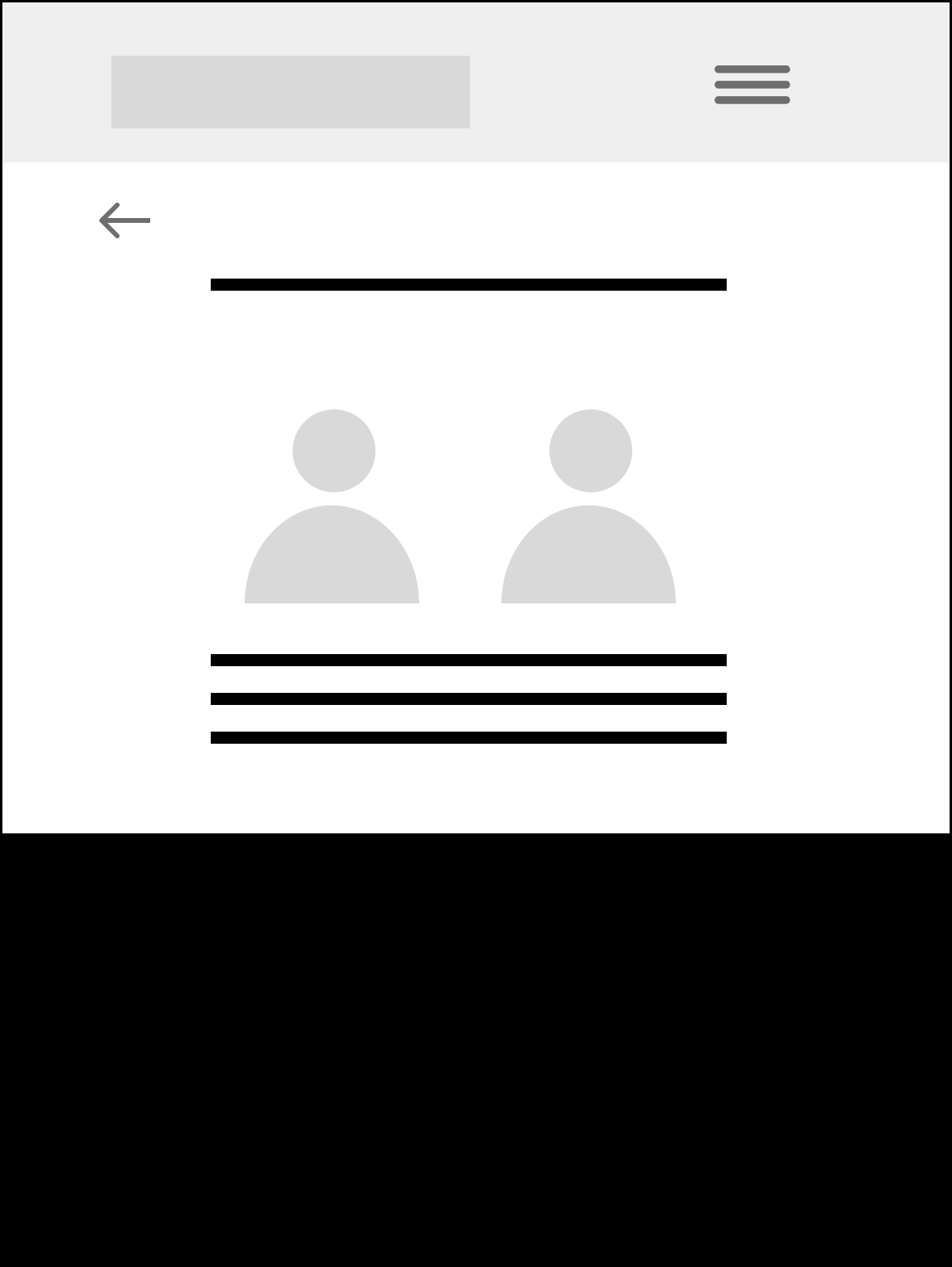
I sketched the booking moments on paper first, then moved into wireframes for testing.
What testing changed
Three participants worked through the wireframe prototype. They found it easy to use, but the same four themes kept coming up. Each one changed the design.
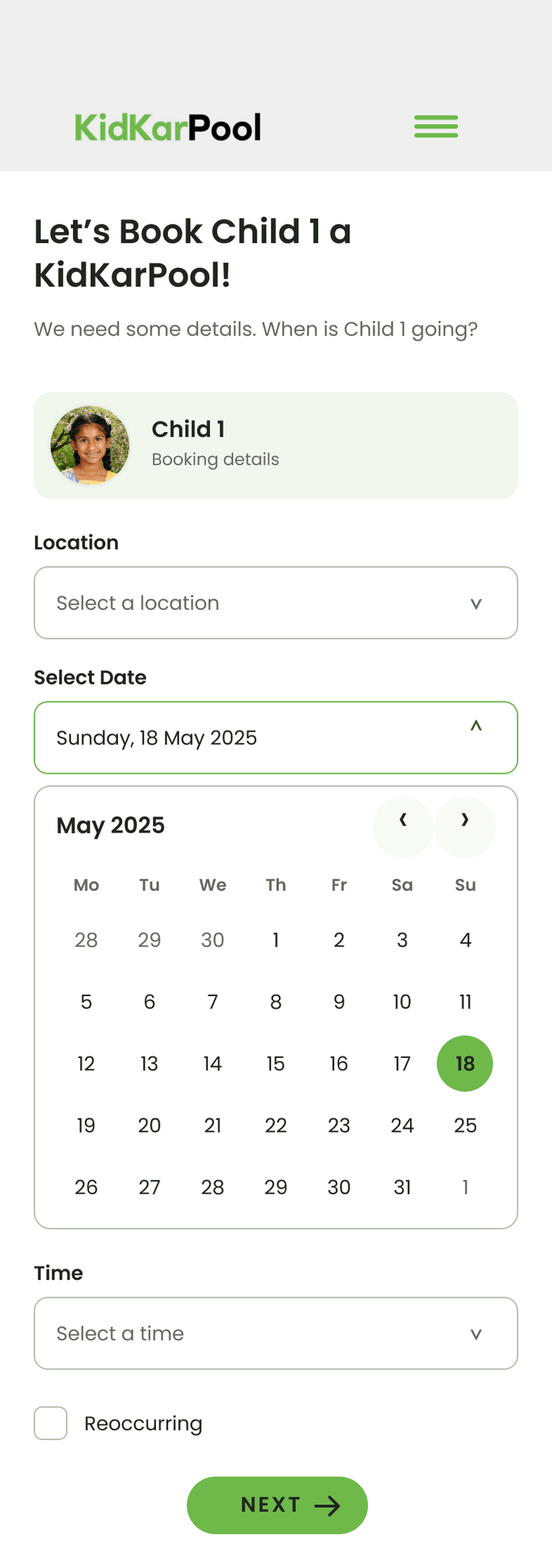
01 Scheduling was unclear
- AConfused on how to select a pickup or drop-off time
- BA calendar with the schedule would be a helpful visual
- CA visual calendar would be nice
What changed
Separate drop-off and pick-up steps, then a visual month calendar with a time picker.
02 Rides repeat every week
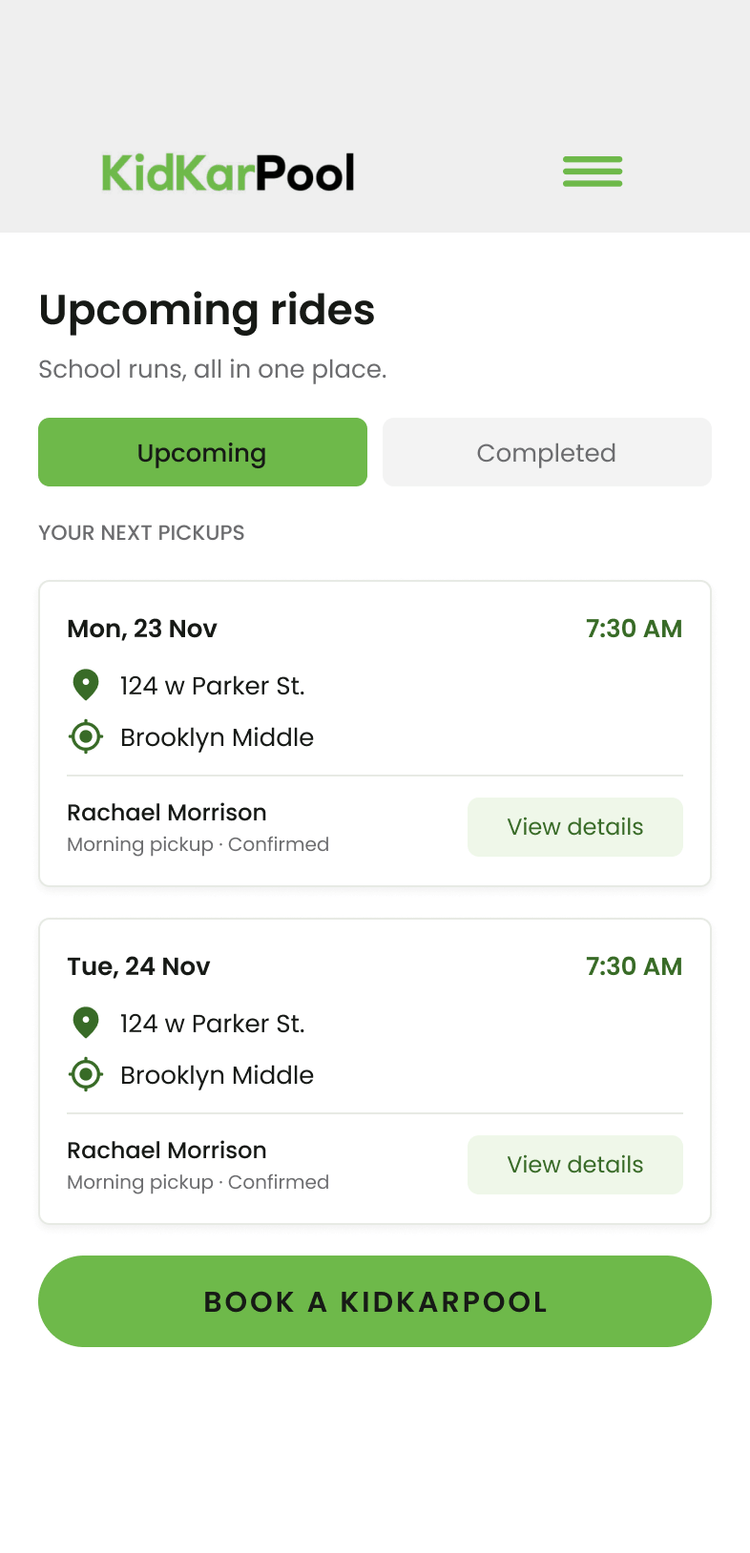
- CI would want to make a recurring ride each week
What changed
A recurring option right in the scheduling step, so a weekly ride is booked once and every pickup shows up in Upcoming rides.
03 Parents need to trust who's driving
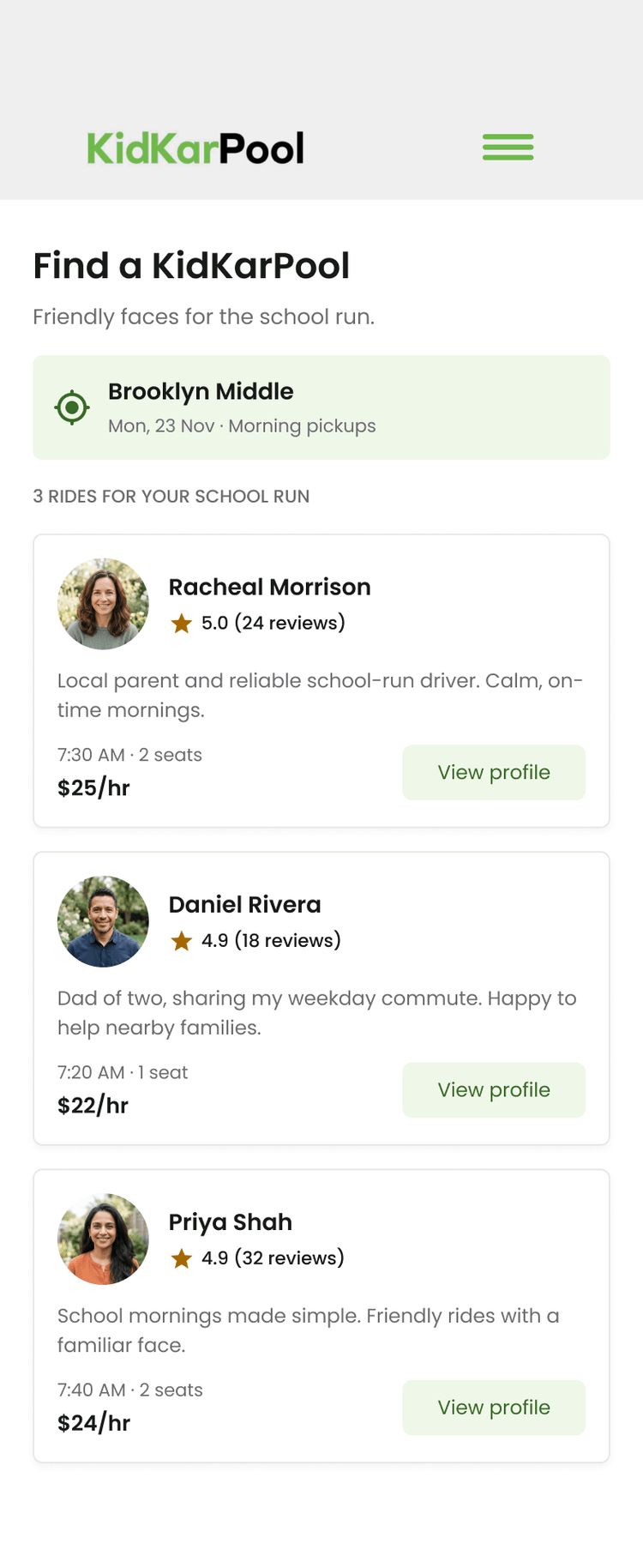
- AWishes there was a visual and more details on who is driving
- CI want to see the qualifications of who is picking up my child
What changed
Verified driver matches with ratings, rates, and open seats, plus full profiles with parent reviews.
04 Parents want control and clear cost
- ACould I go back and edit my scheduled booking?
- BDoes payment change depending on distance?
What changed
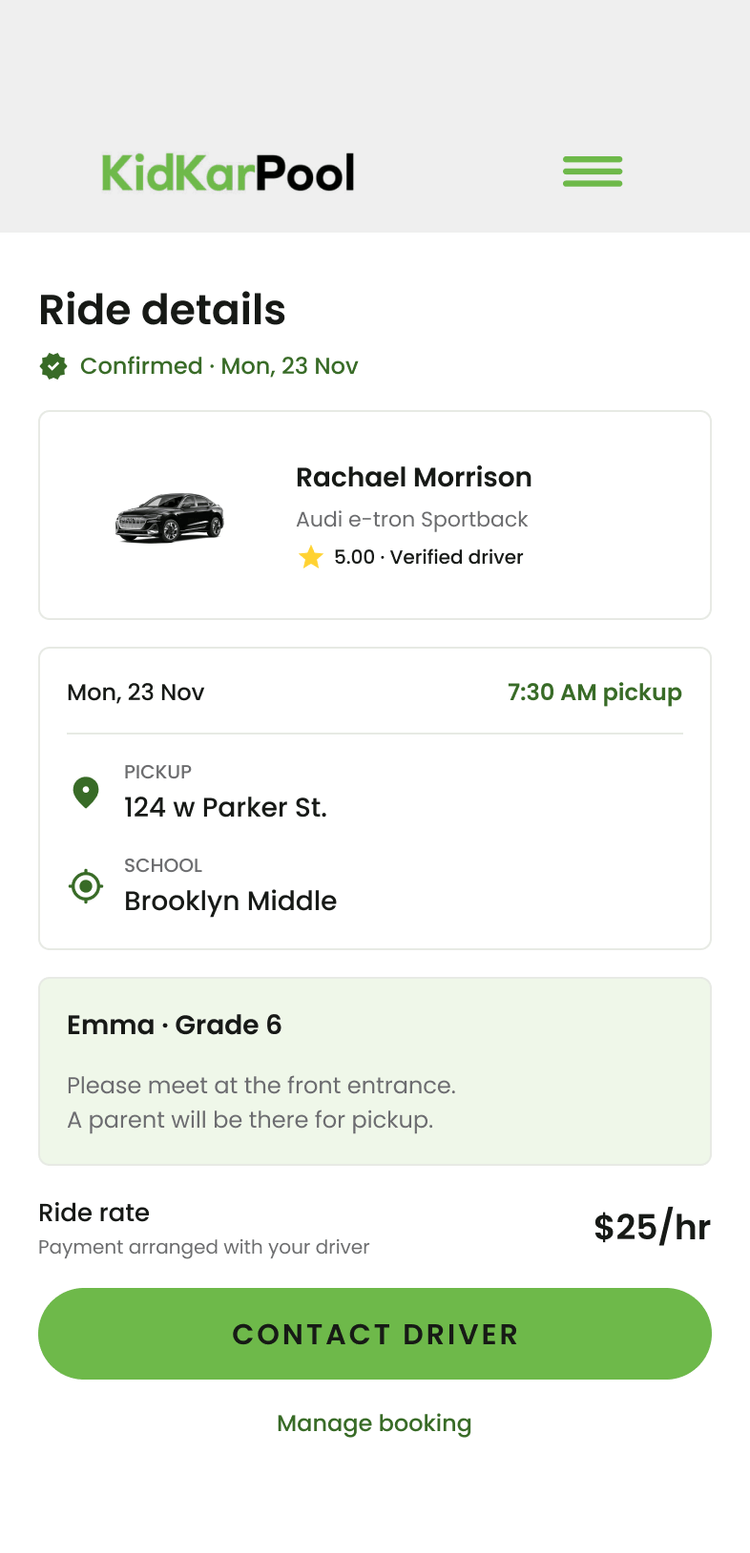
Each driver’s rate shown up front, and a Ride details page to manage the booking or contact the driver.
The solution
Booking a ride takes a few short steps, each asking one question.
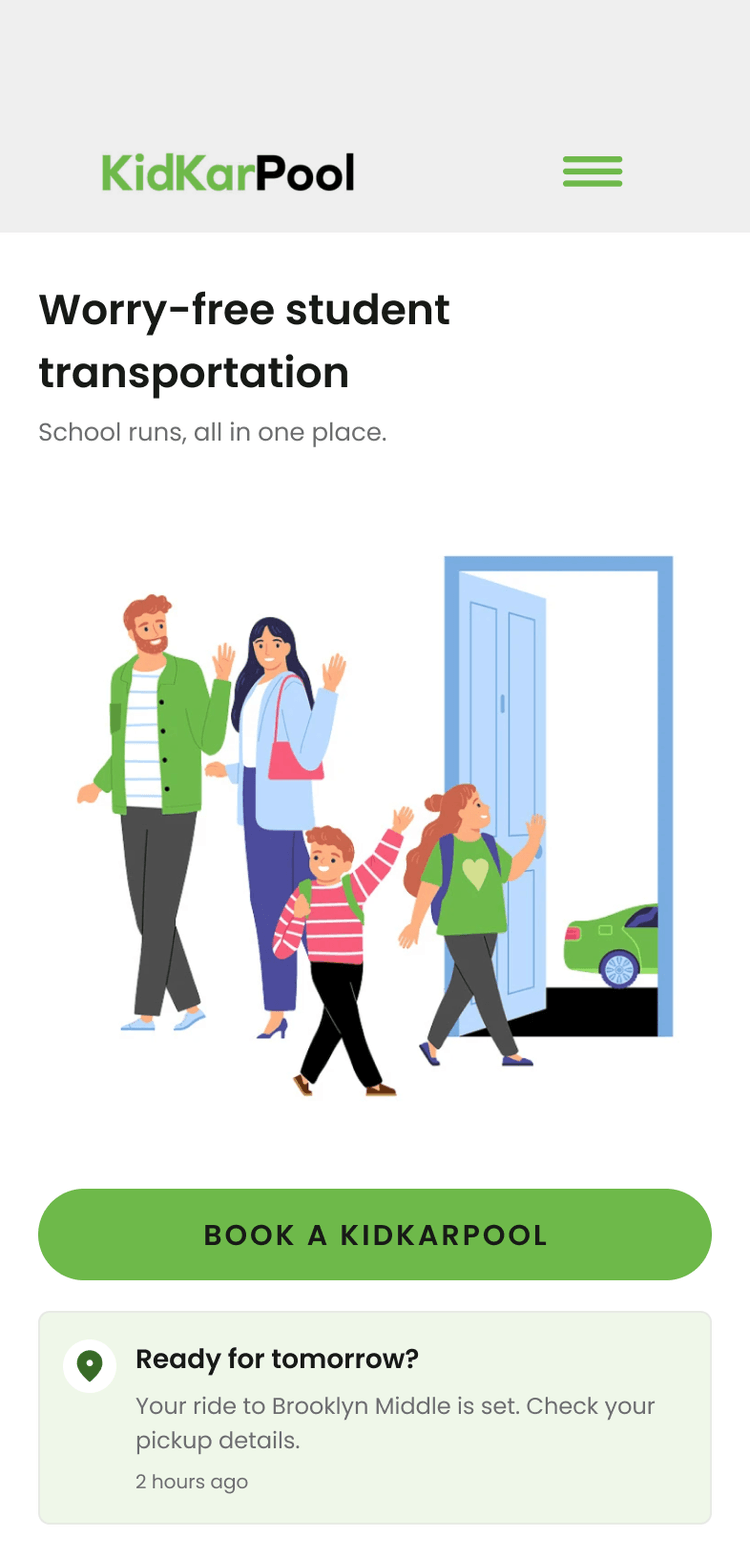
01Home: book a ride, and see what's coming up
02Where, when, and does it repeat?
03Compare matched, verified drivers
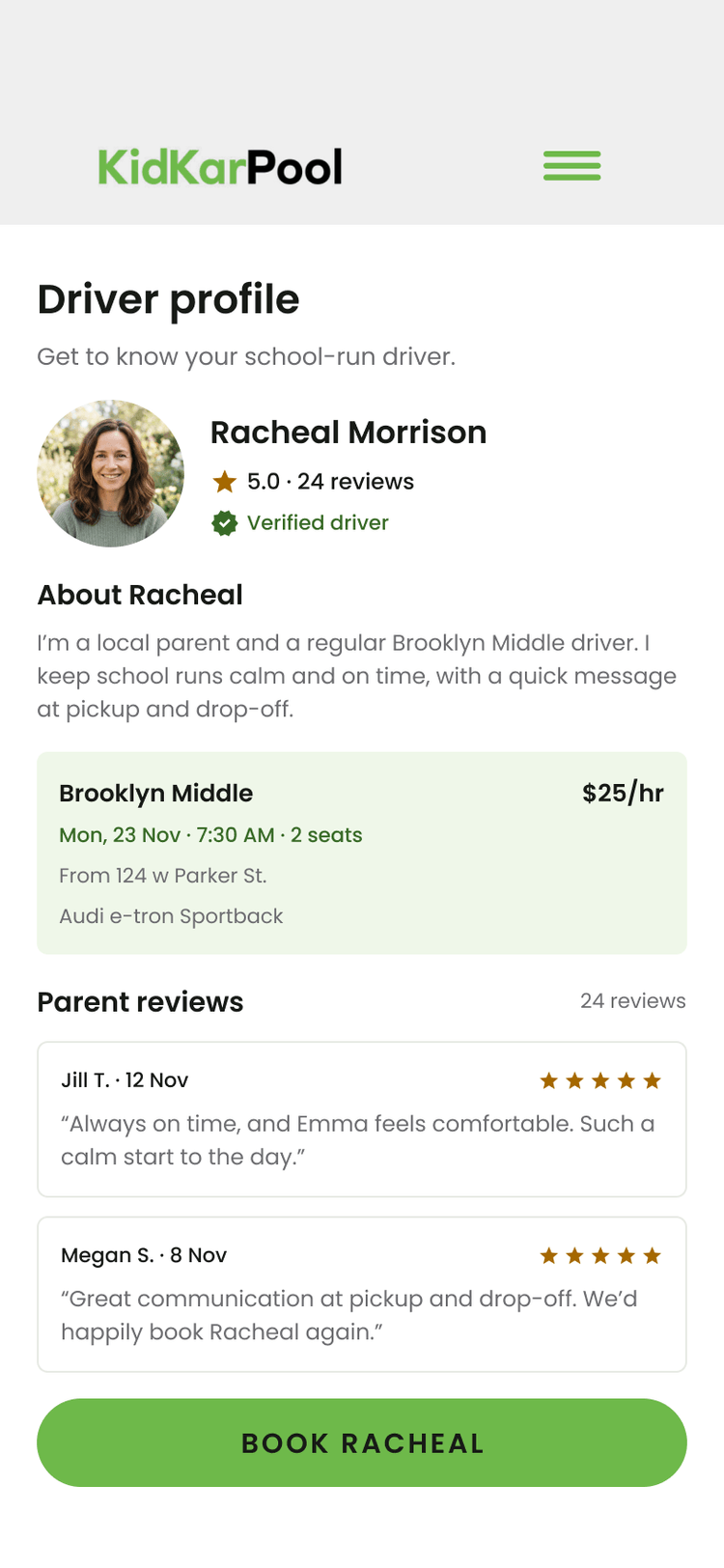
04Driver profile and parent reviews
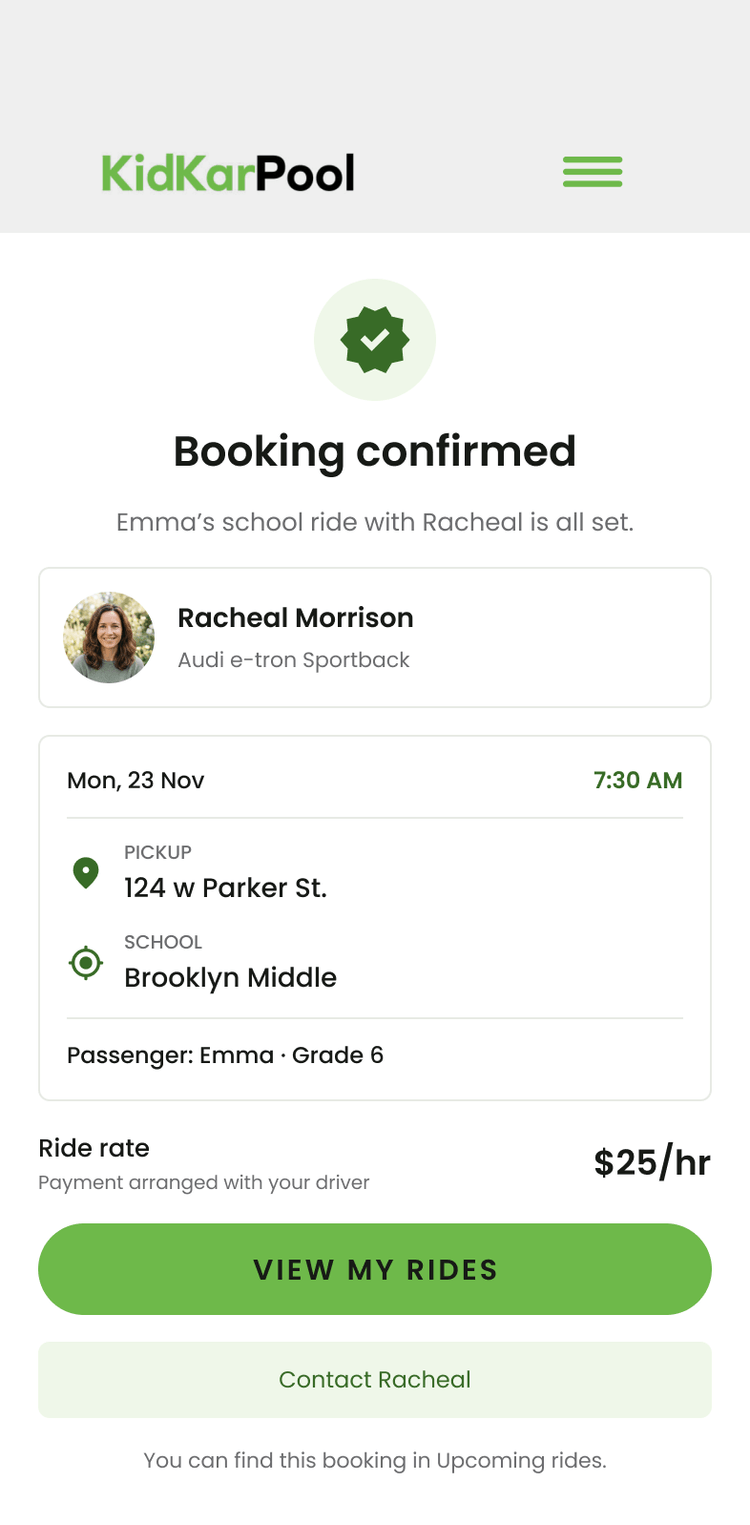
05Booked, with a direct line to the driver
Matching is where trust is won. Every driver is verified, and parents can compare ratings, prices, and seats, then read reviews from other families before they book.
Trust doesn’t stop at booking. Once a ride is set, parents can see every upcoming pickup, follow the trip live, contact the driver, and get a notification when their child arrives safely.
Every upcoming school run in one place
Ride details, pickup notes, and Contact driver
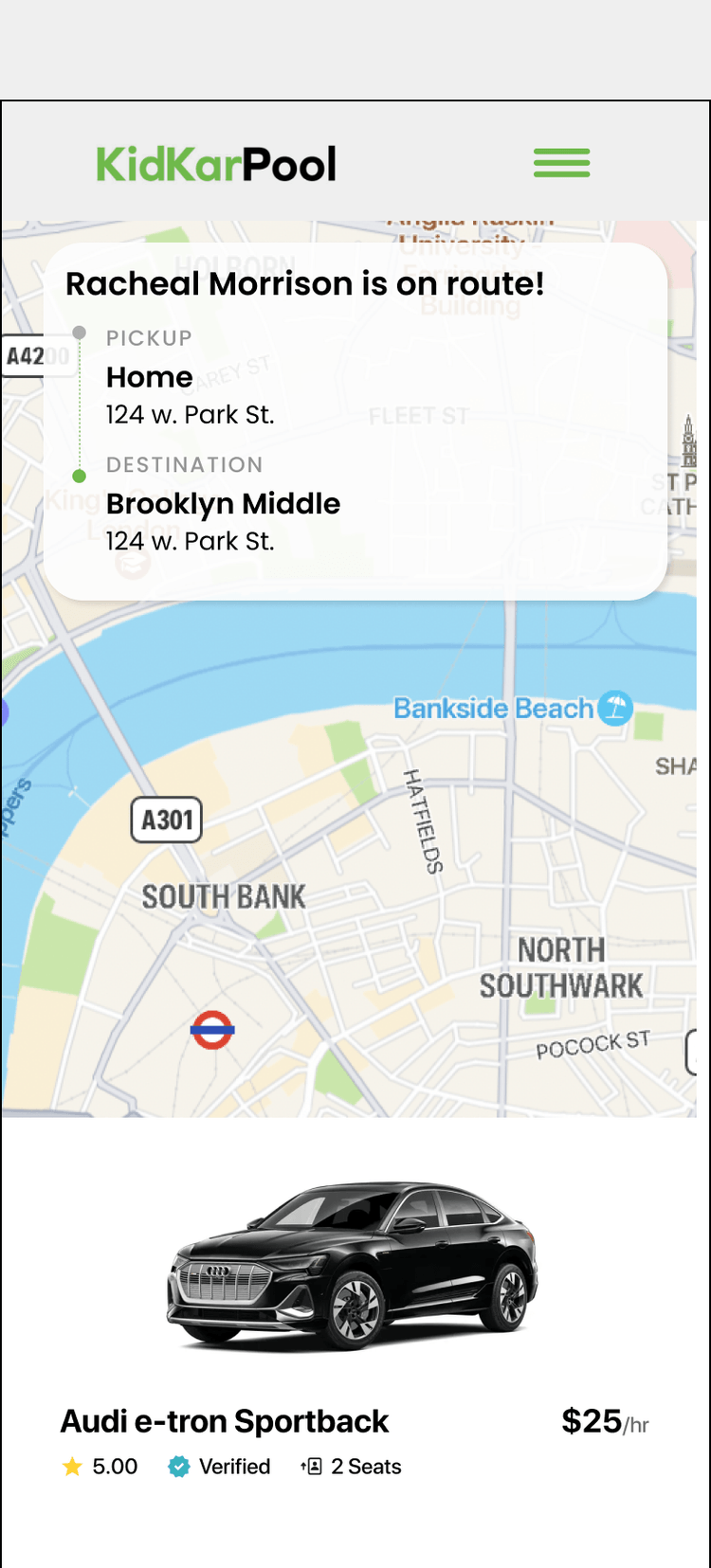
Live tracking while the driver is on route
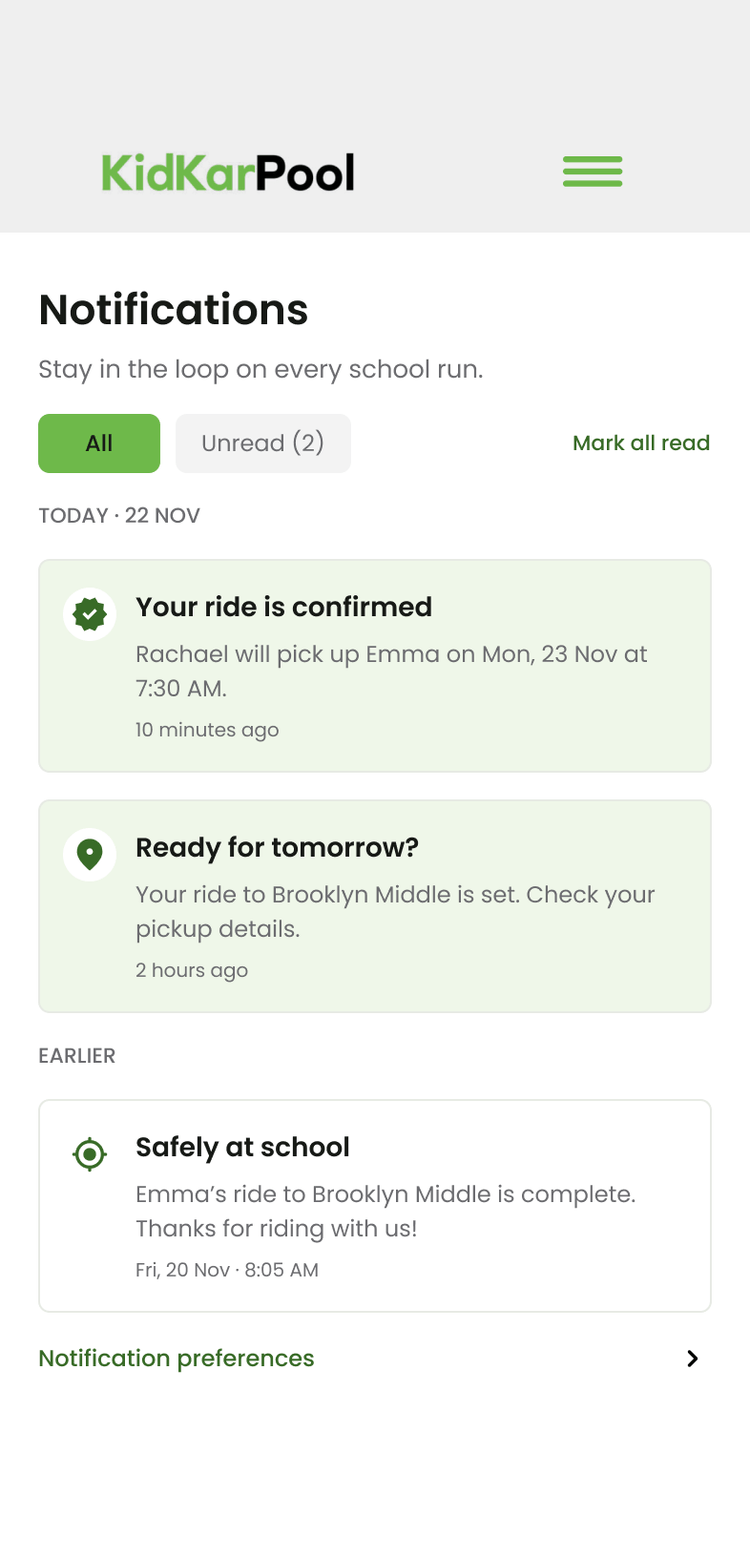
Notifications from confirmation to safe arrival
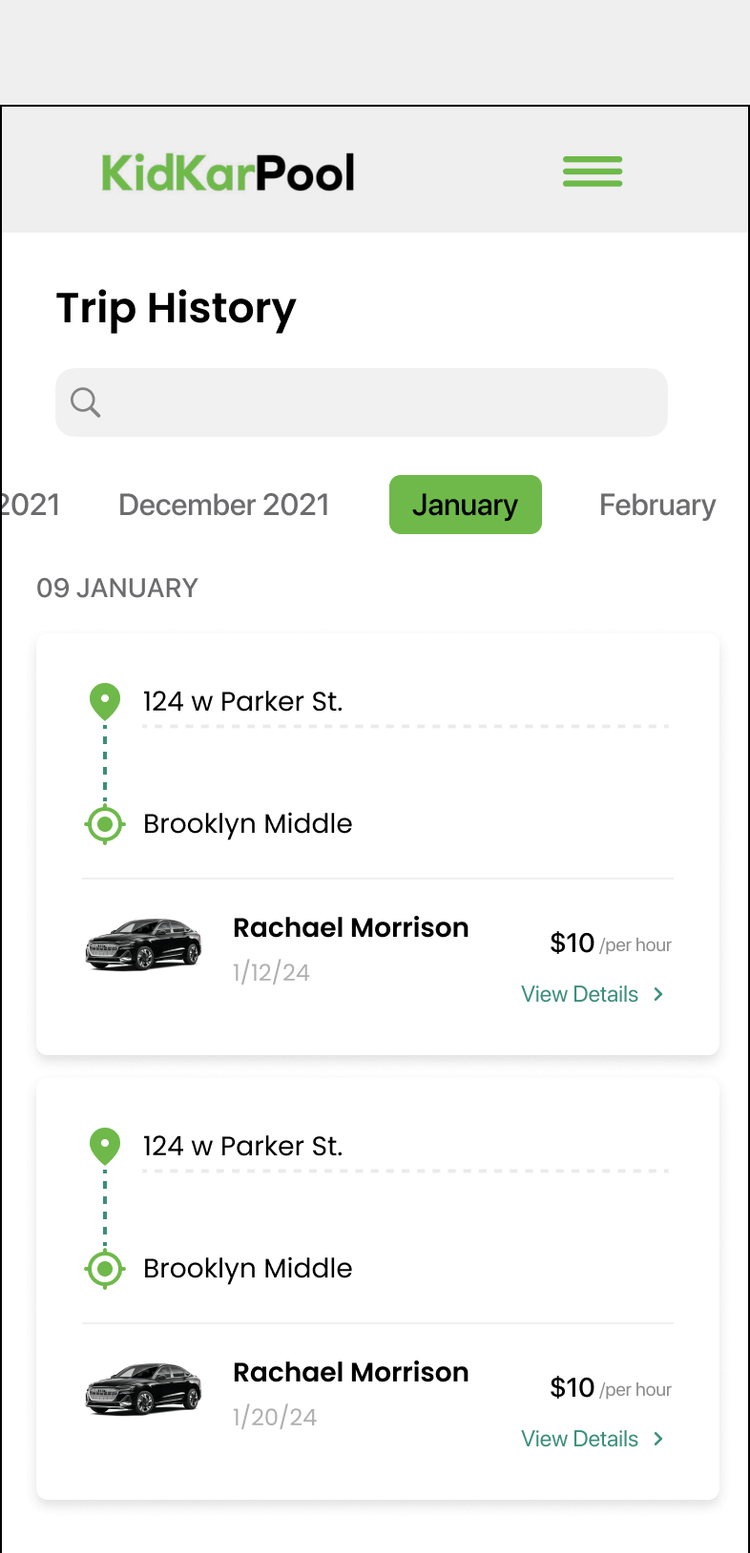
Trip history for past rides
I also designed for the moments that go wrong, so a parent is never left guessing.
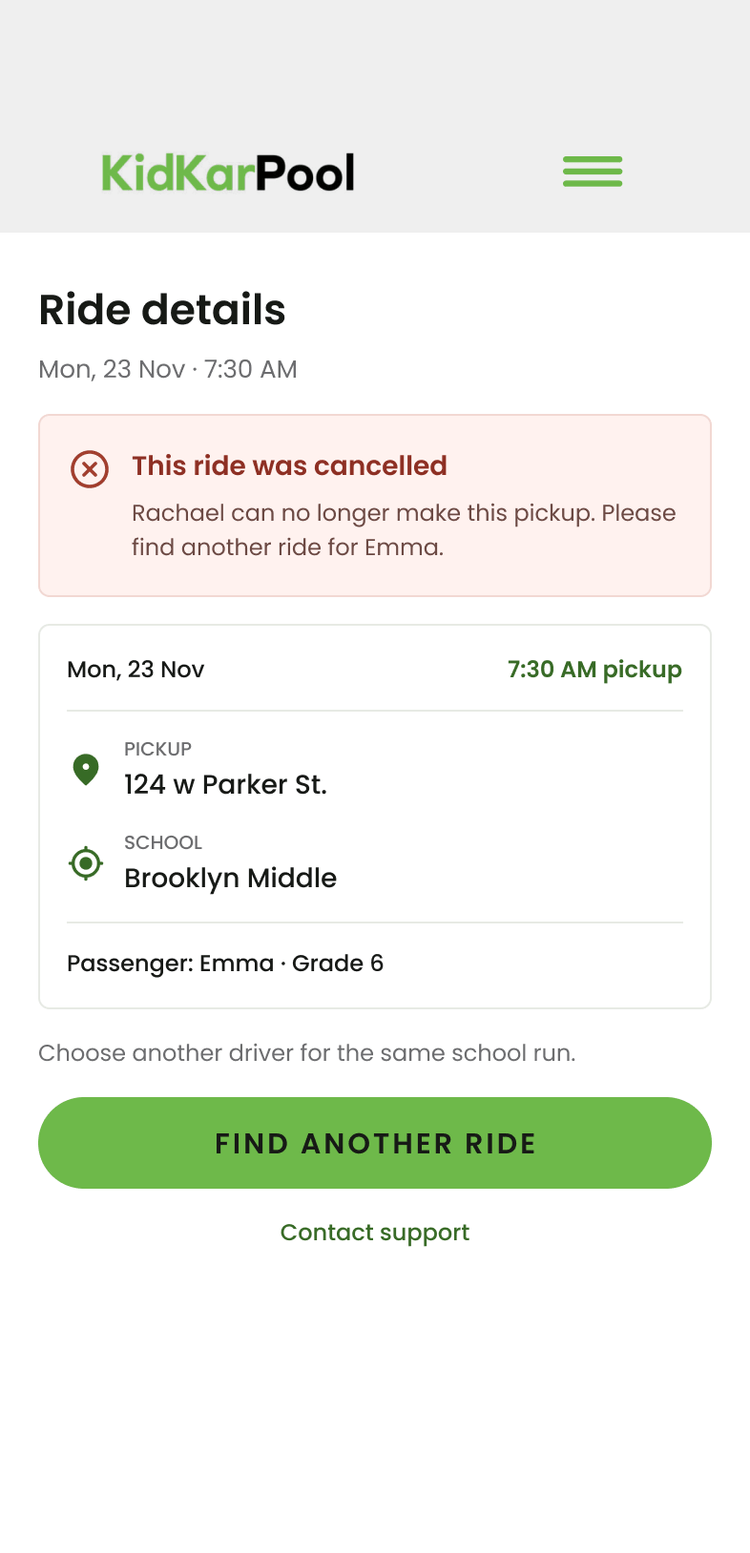
A cancelled ride, with a quick way to find another
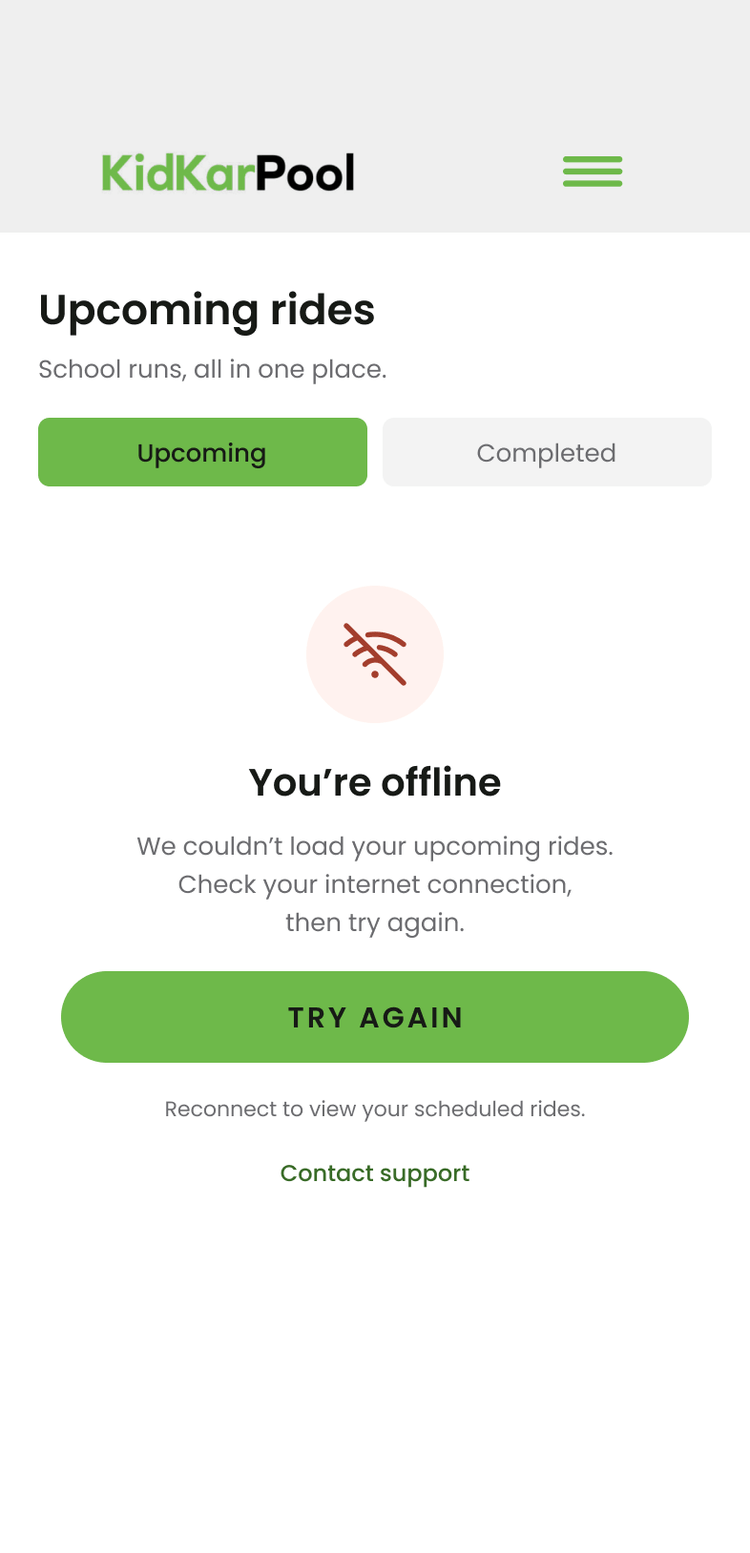
Offline, with a clear way to try again
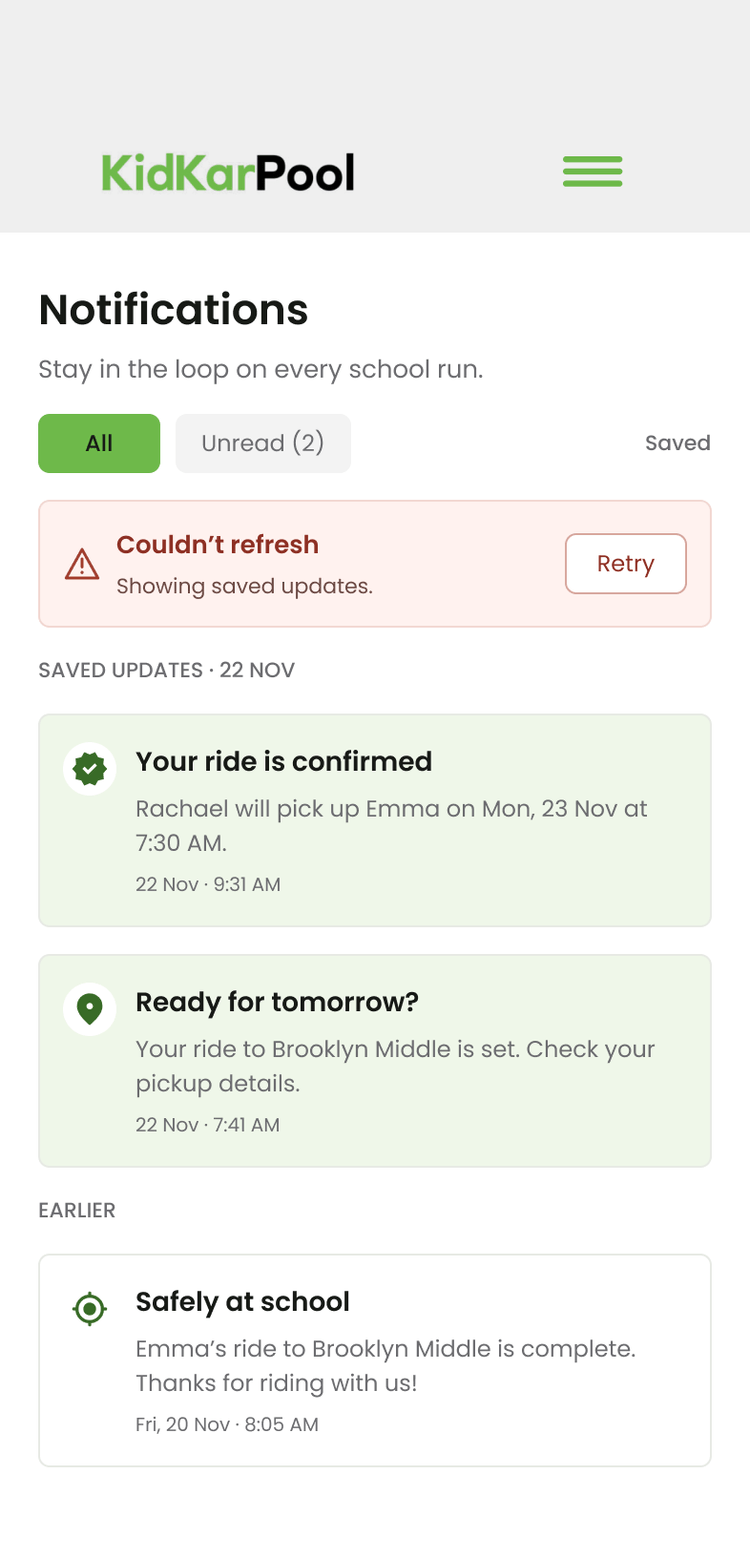
Saved updates still shown when a refresh fails
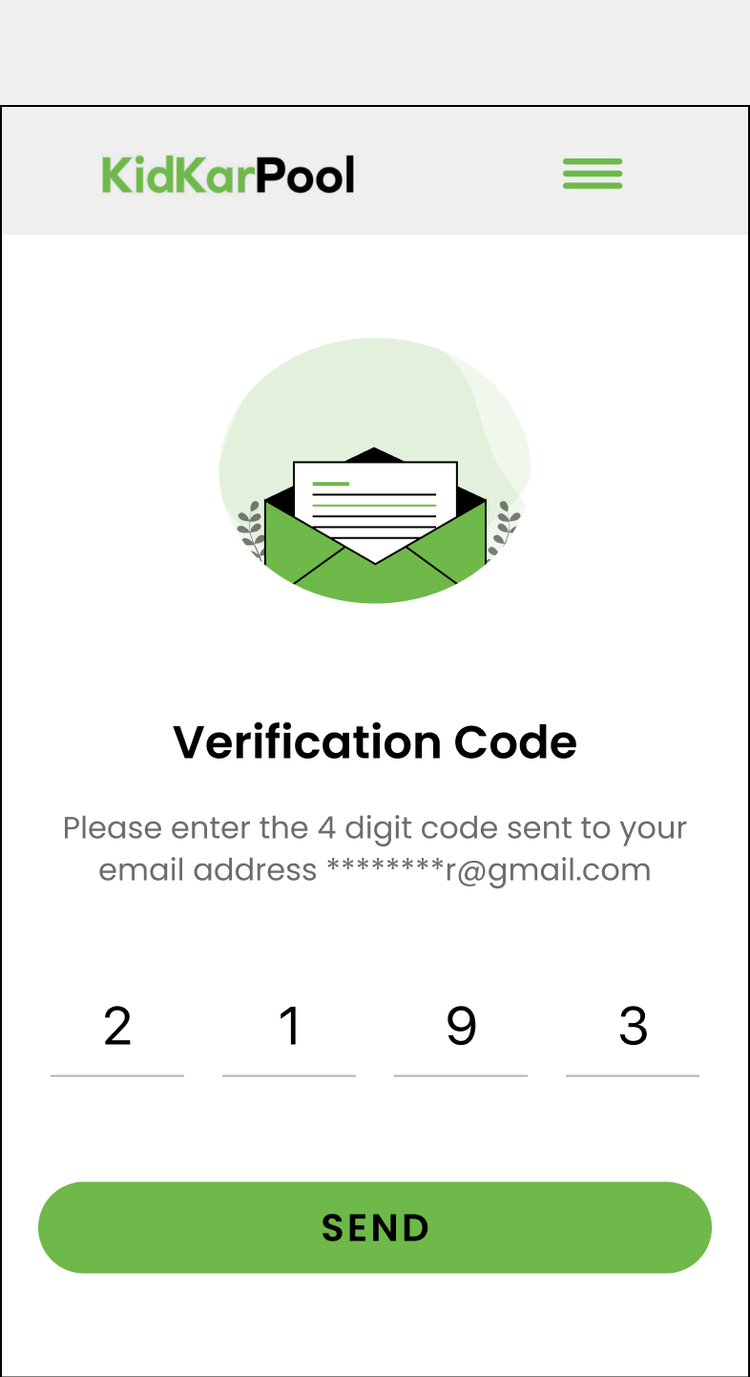
Email verification when signing up
Brand
I kept the brand friendly and simple: one confident green for actions and progress, and black for weight.
KidKarPool
Green#6EB94A
Black#000000
Aa
GraphieRegular and Bold
Reflection
Designing a ride-share for children is no small undertaking. Parents aren’t just booking a trip; they’re handing over someone they love. The biggest lesson from this project was that safety, trust, and communication matter more to them than speed or convenience.
That’s why the final designs keep parents informed for the whole ride: live tracking to follow the trip in real time, a direct line to the driver, and notifications from confirmation to safe arrival. Each one adds a little more peace of mind.